Submit JSON with Discord
✨👾 Discord is available on Pro and Scale plans
1. Connect to Discord
You can find the Discord integration in an endpoint's settings, your integrations page, or right below this sentence. Click the "Connect Discord Channel" button to make the connection.
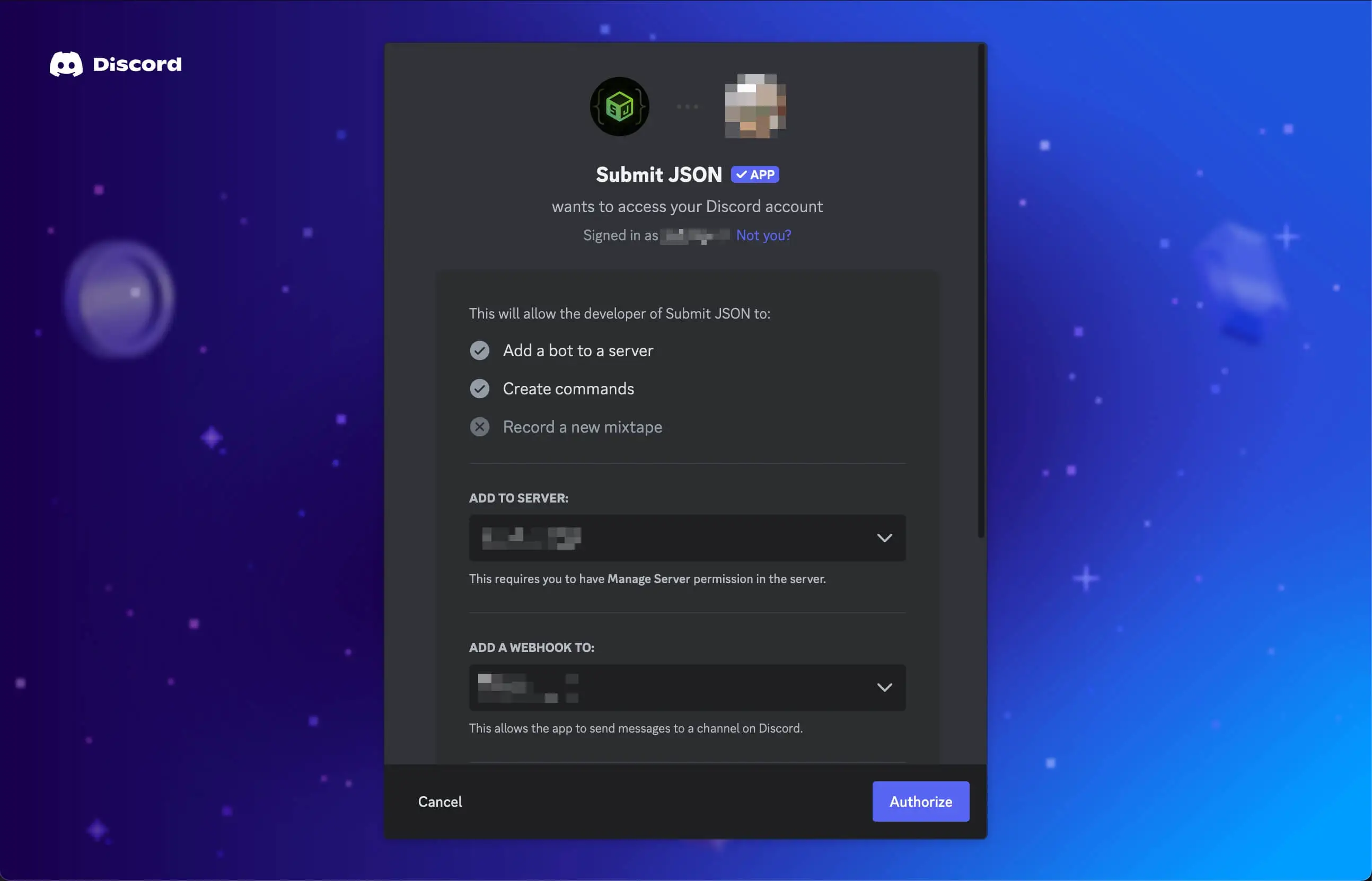
When prompted select the server and channel that will receive submission notifications and click the Authorize button to make the connection to Submit JSON.
2. Configure your endpoint
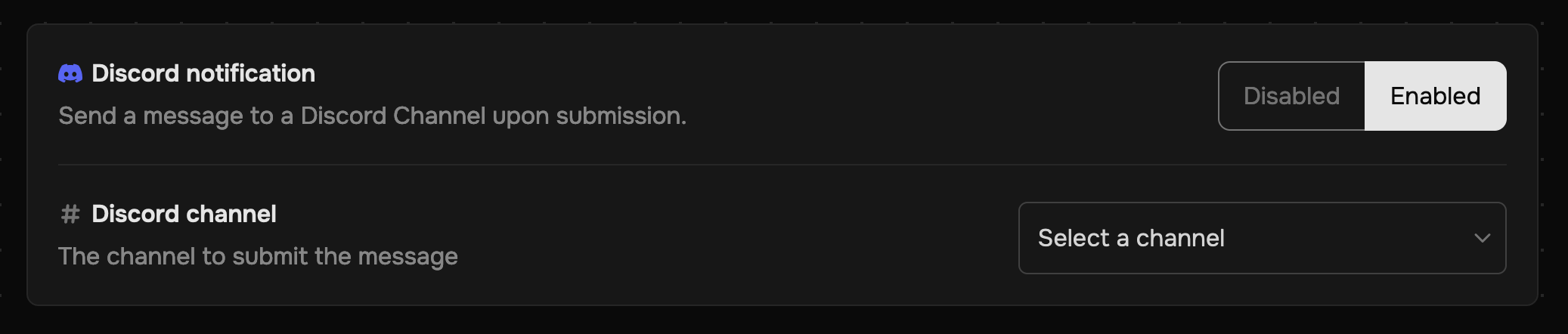
Navigate to an endpoint's or project's settings, click Enabled for the Discord notification, then finally choose which channel will receive the message.
3. Get Notified
Whenever you receive a submission, Submit JSON will instantly notify the connected Discord Channel.
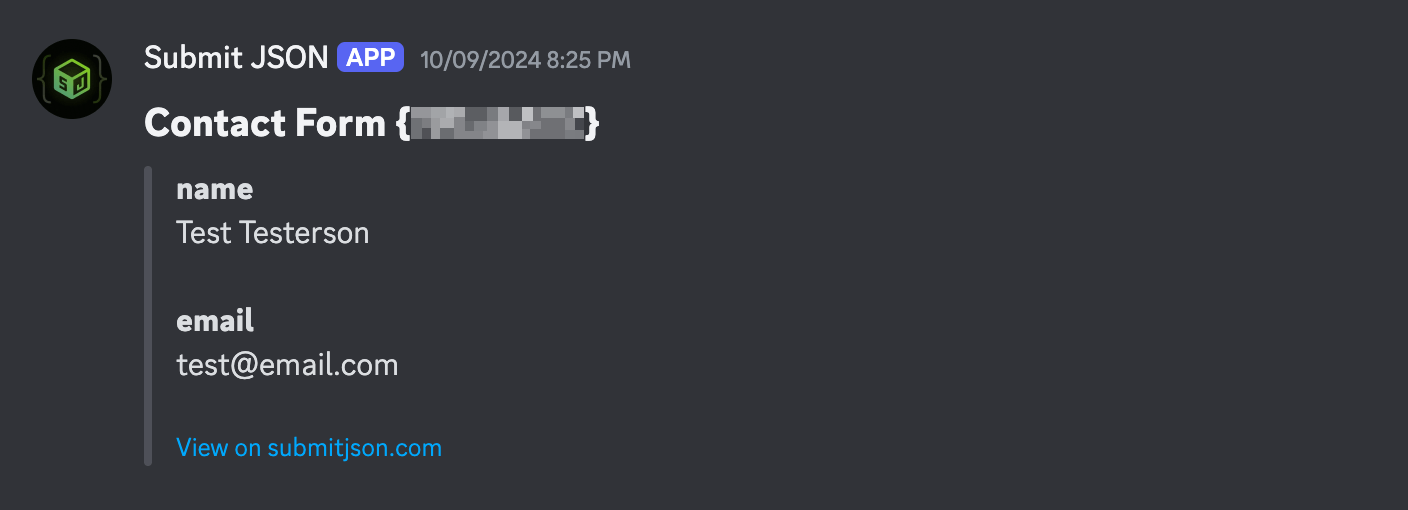
The message will look like the example below by default, or will display as raw JSON if the submissionFormat on the endpoint is set to raw.
Click "View on submitjson.com" to open the submission in your Submit JSON dashboard.